
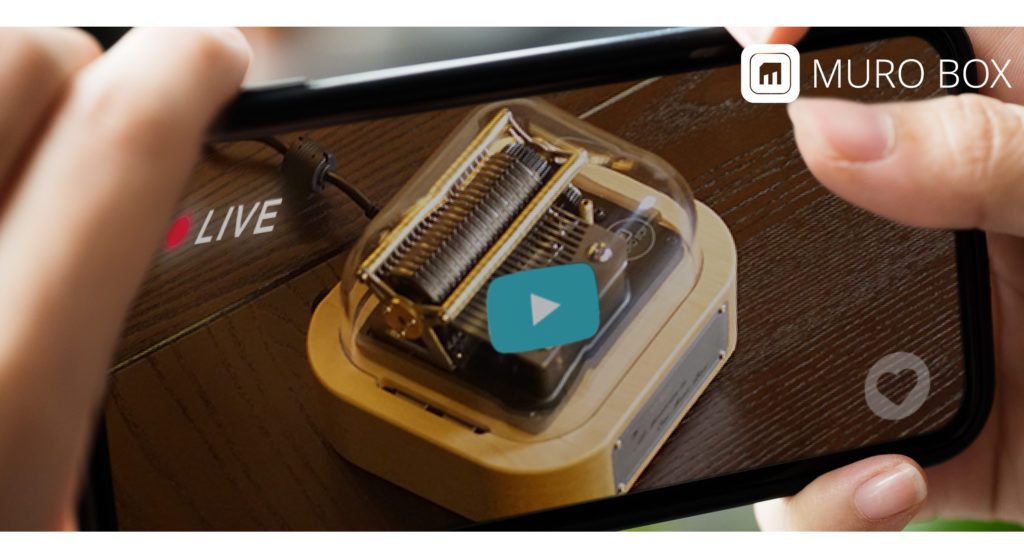
⬆️Left: N40 Sublime | Top Right: N20 Standard | Bottom Right: N40 Standard
- Recommended Setup: Operate the App on your smartphone while simultaneously watching the livestream on a computer or tablet.
(1) Download the Free App:
Search for “Muro Box” on the App Store or Google Play.
(2) Login Instructions:
Use the following trial accounts to access the live units:
- N20 Standard: guest@tevofy.com
- N40 Sublime: guest401@tevofy.com
- N40 Standard: guest402@tevofy.com
- Password (all accounts): getmuroboxnow
(3) Remote Control via App:
- Click the speaker icon on the livestream screen to enable audio.
- There is a latency of a few seconds before the physical device plays; please wait a moment for the response.
- If the music box is playing a song other than the one you selected, it means another customer is currently operating it. Please wait a moment before trying again.
【Complete the Task to Get a $5USD off coupon for your order】
After you follow the steps to finish testing the Muro Box online, you can write in the comment of this blog post to tell us which song you have played on the Muro Box.
After you send the comment for review, we will verify that you complete this assigned task and email you the $5USD off coupon code that can be applied on any item sold in our store.
Note: This $5USD will be saved in your Muro Box Account, so you will need to create an account on our website first to login before sending out your comment. This login requirement is designed to prevent our blog from receiving too many spam ads.
**Creating a new account in the Muro Box Store will receive a 5% off coupon for your order. Don’t forget to create an account before making a purchase in our store!